🎉 Calla - Delivery & Pickup Date is available now on Shopify app store

Shopify app store


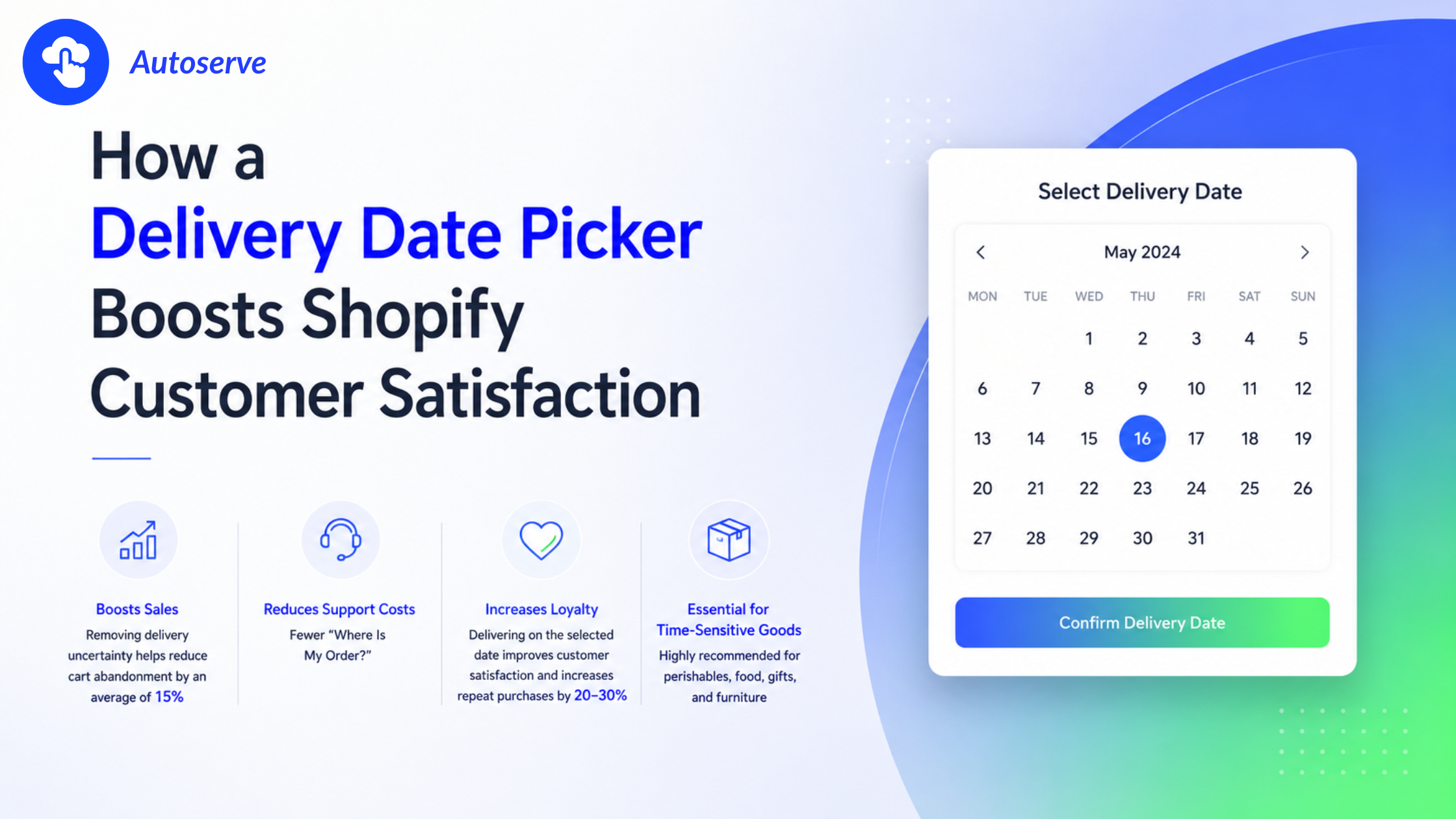
Picture this: a customer spends 12 minutes picking out the perfect birthday gift on your Shopify store. They reach checkout and see only a vague "ships in 3–7 business days." Their friend's party is Saturday. They close the tab.
That single moment of uncertainty costs you the sale. It also costs you the customer because 56% of online shoppers say they will not return to a store after a poor delivery experience.
A Shopify delivery date picker fixes that moment. It gives customers control. It sets clear expectations. And it turns delivery from a source of anxiety into a competitive advantage.
This guide explains exactly how with data, real merchant results, and a step-by-step implementation path.
A delivery date picker is a checkout widget that lets shoppers choose a specific delivery date and sometimes a time slot before they complete their purchase. Instead of receiving a generic shipping estimate, the customer sees a calendar of available dates and selects the one that works for them.
It sounds simple. But the impact on customer satisfaction is significant, because it shifts delivery from a passive guess into an active, confirmed commitment between your store and your buyer.
A delivery date picker integrates directly into your Shopify checkout flow. When a shopper reaches the shipping step, they see a calendar or dropdown showing available delivery dates. The widget is powered by rules you set in the backend: your cut-off times, blackout dates (holidays, non-delivery days), delivery zones, and preparation lead times.
The core functions include:
• Displaying only valid, fulfillable delivery dates (no false promises)
• Blocking out past dates, holidays, and days outside your delivery zones
• Enforcing order cut-off times (e.g., orders after 2 PM ship next day)
• Optionally showing time-slot selection for same-day or scheduled delivery
• Passing the chosen date into your order management system automatically
Customer satisfaction in e-commerce is largely driven by perceived control and met expectations. A 2022 PwC study found that 73% of consumers say a good experience is key to influencing brand loyalty and delivery predictability is one of the top drivers of that experience.
When customers choose their delivery date, three psychological shifts happen:
• They feel in control, which reduces pre-purchase anxiety
• They create a mental commitment: making them less likely to cancel
• They form a concrete expectation: making them more likely to be satisfied when it is met
This is why merchants who add a delivery date picker consistently report higher post-purchase satisfaction scores, fewer complaints, and more repeat orders. The picker does not just move a date it moves how the customer feels about your brand.
The customer experience is not just about what happens after the package arrives. It starts at the moment the shopper begins to wonder: "Will this arrive in time?" A delivery date picker answers that question before it becomes doubt, before doubt becomes abandonment, and before abandonment becomes a lost customer.
Uncertainty is one of the most powerful drivers of cart abandonment. When shoppers cannot confirm a delivery date, they face what behavioral economists call "ambiguity aversion" a tendency to avoid choices where the outcome is unclear.
A delivery date picker removes that ambiguity at the exact moment it matters most: checkout. Customers can see available dates, confirm the one they need, and complete the purchase with confidence. The result is reduced anxiety and increased trust in your brand.
Trust compounds over time. A customer who receives exactly what they chose, on the exact date they chose it, has experienced a brand promise kept. That experience is the foundation of loyalty. According to a Salesforce State of the Connected Customer report, 88% of customers say the experience a company provides matters as much as its products.
WISMO: "Where Is My Order?" is one of the most common and costly customer service requests in e-commerce. Industry estimates put WISMO tickets at 25% to 40% of all inbound support volume (Gorgias, 2023). Each ticket costs time, staff resources, and customer patience.
A delivery date picker directly reduces WISMO volume in two ways:
• Customers who chose a specific date have a concrete expectation. They are less likely to panic or inquire before that date arrives.
• Order confirmation emails can include the chosen delivery date, giving customers a reference point without needing to contact support.
Merchants using scheduled delivery features report WISMO reduction of 20–35% after implementation. Fewer support tickets means lower operating costs and a support team freed up to handle more complex issues a clear operational win alongside the customer satisfaction gain.
Post-purchase experience is the most underrated driver of customer lifetime value (CLV). Most merchants focus on the pre-purchase journey ads, SEO, product pages and neglect what happens after the order button is clicked.
When a customer receives their order on the date they selected, two things happen: expectation is met, and trust is reinforced. Met expectations trigger what psychologists call the "confirmation effect" customers feel validated in their purchase decision, which makes them more likely to return.
Data from Shopify Plus merchants shows that customers who have a positive, predictable delivery experience have a 20–30% higher likelihood of making a second purchase within 90 days. Delivery date pickers do not just satisfy a transaction they start a relationship.
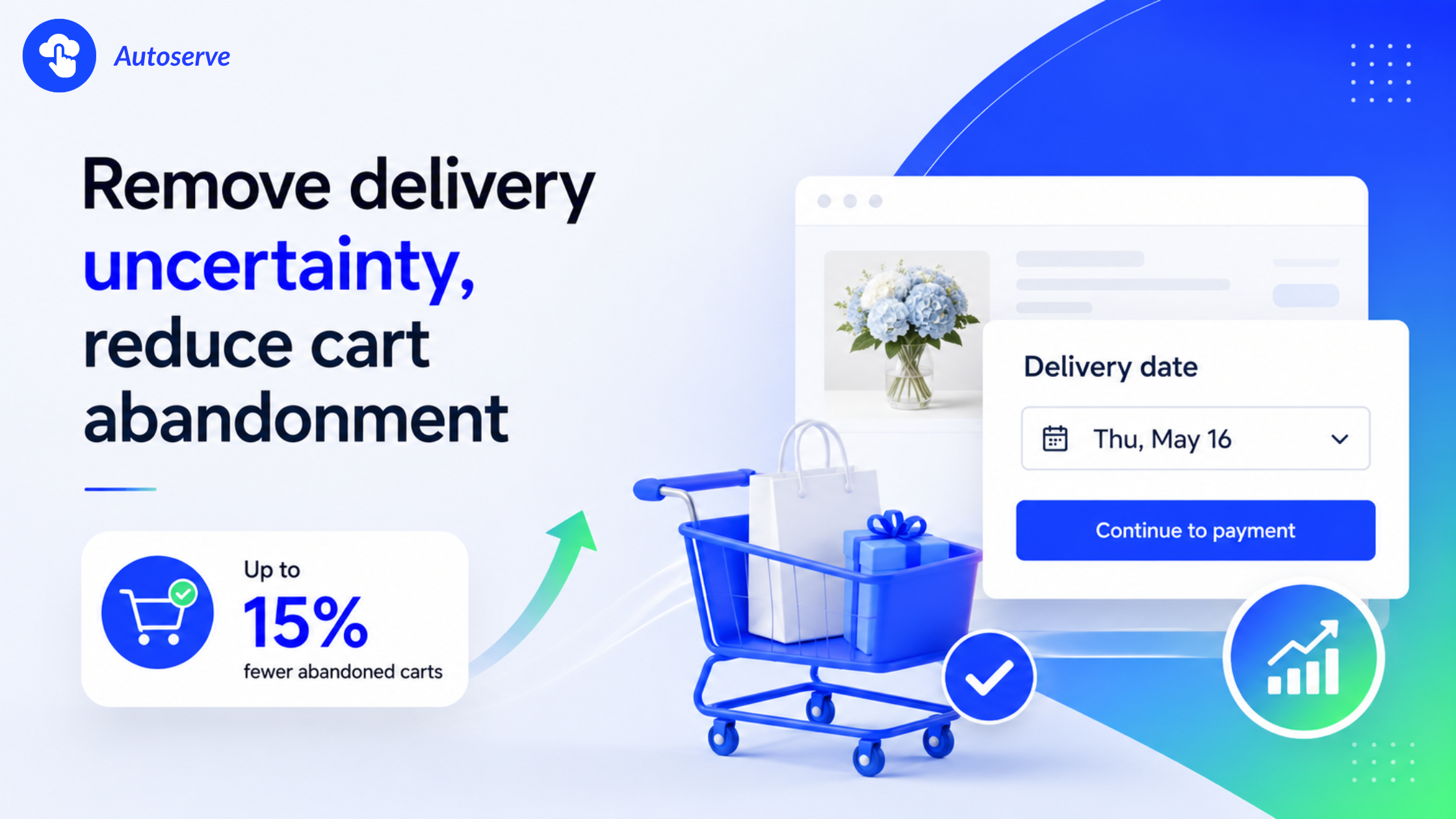
Cart abandonment is the biggest revenue leak in e-commerce. The average abandonment rate across industries sits at 70.19% (Baymard Institute, 2024). Delivery uncertainty is a documented contributing factor and a delivery date picker directly addresses it.
When a shopper cannot see a confirmed delivery date, they face a decision under uncertainty. Behavioral science tells us that people are loss-averse: the fear of not receiving an item in time feels stronger than the pleasure of getting a good deal.
Common scenarios that trigger abandonment due to delivery uncertainty:
• A gift purchase where the recipient's event has a hard deadline (birthday, wedding, holiday)
• A perishable or time-sensitive product where freshness depends on arrival timing
• A shopper comparing two stores one shows a confirmed date, the other shows "3–7 business days"
In all three cases, the store with a clear, confirmed delivery date wins. The one without it loses the sale even if the product and price are identical.
The data is compelling. Merchants who have implemented a delivery date picker at checkout report cart abandonment reductions of approximately 15% on average, based on aggregated app review data and merchant case studies from the Shopify app ecosystem.
This figure aligns with broader e-commerce research. The Baymard Institute identifies "unclear delivery times" as one of the top-10 reasons shoppers leave checkout. Solving even one of those top 10 reasons typically produces a meaningful conversion lift.
A 15% reduction in cart abandonment on a store generating $50,000/month in revenue translates to roughly $7,500 in recovered monthly revenue without increasing ad spend or acquiring new traffic. For many Shopify merchants, that ROI makes a delivery date picker one of the highest-leverage checkout optimizations available.
Beyond reducing abandonment, delivery date pickers can increase average order value (AOV). Here is why: when a customer selects a specific delivery date, they are mentally committed to the purchase. That commitment reduces the hesitation that often prevents upsell acceptance.
Additionally, stores that offer premium or expedited delivery date slots "Get it by tomorrow for $X more" capture incremental revenue on every order where the customer values speed. This turns the delivery picker into a revenue-generating tool, not just a satisfaction feature.
While any Shopify store can benefit from a delivery date picker, certain business types see outsized returns. The key factor is how time-sensitive the product or occasion is for the buyer.
Food and perishable businesses have the highest delivery date sensitivity of any e-commerce category. A seafood delivery that arrives a day late is not just a bad experience it may be a food safety issue. A meal kit that arrives when the customer is traveling is pure waste.
For these businesses, a delivery date picker is not a nice-to-have. It is an operational necessity. It ensures:
• Customers only order for dates when they will be home to receive perishables
• Your fulfillment team can prepare fresh products for a specific ship date
• Spoilage, returns, and refund rates drop significantly
Crawfish Direct, a live seafood merchant on Shopify, faced exactly this challenge. Using CX Elevate's delivery date picker, they aligned customer-selected delivery dates with their live crawfish shipping schedule. The result: drastically reduced spoilage complaints, higher repeat purchase rates, and a customer experience that matched the premium nature of their product.
Furniture, flowers, and gift stores share a common challenge: the delivery must happen at exactly the right time. A sofa arriving while the customer is at work is a logistical nightmare. Flowers arriving a day after Mother's Day are worthless. A birthday gift arriving a week late is an embarrassment.
For these categories, scheduled delivery is a customer promise and a brand differentiator. Competitors who cannot offer it lose orders to those who can. Customers willingly pay more for a confirmed delivery date in these categories, because the value of the precision exceeds the cost of the app.
Does It Matter Whether You're on Shopify Basic or Shopify Plus?
Delivery date pickers work on both Shopify Basic and Shopify Plus but the implementation differs. On Shopify Basic, the picker integrates into the standard checkout via app blocks or custom code. On Shopify Plus, merchants have access to Checkout Extensibility, which allows deeper, more seamless integration and advanced customization.
Shopify Plus merchants can also leverage the delivery date picker in conjunction with Shopify Functions and custom fulfillment logic, enabling more sophisticated delivery rules (e.g., different available dates by product type, warehouse, or delivery zone). For high-volume Shopify Plus stores, this level of control is a significant competitive advantage.
Adding a delivery date picker is one of the most accessible checkout upgrades available to Shopify merchants. Most implementations can be completed in under an hour, without developer resources, using a dedicated app from the Shopify App Store.
What Are the Steps to Set Up a Delivery Date Picker at Checkout?
The general setup process for most Shopify delivery date picker apps:
• Step 1: Install the app from the Shopify App Store (search "delivery date picker")
• Step 2: Open the app dashboard and configure your delivery rules (processing days, cut-off time, blackout dates)
• Step 3: Set your delivery zones and any zone-specific availability rules
• Step 4: Enable the widget in your checkout via Shopify's Theme Editor or Checkout Editor (Plus)
• Step 5: Place a test order on mobile and desktop to confirm the picker displays and functions correctly
• Step 6: Connect delivery date data to your fulfillment workflow (email notifications, order tags, or third-party logistics)
Most apps include onboarding wizards that walk you through each step. For Shopify Plus merchants using Checkout Extensibility, the app will guide you through adding the app block in the Checkout Editor.
These three configuration elements are what make a delivery date picker accurate and trustworthy:
Cut-off times: Set the daily deadline after which orders are processed the next business day. Example: orders placed before 2 PM ship today; orders after 2 PM ship tomorrow. This prevents you from committing to same-day delivery on orders that arrive too late for your fulfillment team.
Blackout dates: Block out holidays, weekends (if you do not deliver), planned closures, and any date when delivery is not available. Customers will not be able to select these dates, eliminating the risk of impossible commitments.
Delivery zones: If your store delivers to different geographic areas with different lead times (e.g, local same-day delivery vs. nationwide 3-day delivery), delivery zones let you show different available dates based on the customer's shipping address.
Shopify does not offer a native delivery date picker in its standard checkout. The closest native feature is estimated delivery dates shown on product pages (via the Shopify admin or shipping settings), but these are display only customers cannot select or confirm a date.
For a functional, interactive delivery date picker, you need a dedicated Shopify app. The good news: there are several strong options in the Shopify App Store, ranging from free basic tools to enterprise-grade solutions with full Checkout Extensibility support.
The Shopify App Store offers multiple delivery date picker apps. The right choice depends on your store's size, industry, and required feature depth. Below is a practical comparison of the leading options.
Before choosing an app, evaluate these core feature categories:
• Checkout integration method: Does it support Shopify Checkout Extensibility (required for Plus stores post-2024)?
• Calendar UI quality: Is the date picker clean, mobile-optimized, and on-brand?
• Rule engine depth: Can you set cut-off times, blackout dates, and zone-based rules?
• Time slot support: Does it allow hour level scheduling for same-day or scheduled delivery?
• Order management integration: Does it tag orders with the delivery date for your fulfillment team?
• Support quality: Is onboarding support available, and how fast are issues resolved?
%20(1).png)
Note: App pricing and features change frequently. Verify current plans on the Shopify App Store before purchasing.
Perishables, food, and local delivery: CX Elevate Date Time Picker stands out for its scheduling precision and Shopify Plus compatibility. The BestCrawfish case study (detailed below) demonstrates its effectiveness for live-product delivery.
Gifts and flowers: Order Delivery Date or Bird Pickup Delivery Date both handle gift-occasion scheduling well, with strong calendar UI and time-slot support.
Furniture and large items: Apps with delivery zone support and time-window scheduling (morning/afternoon/evening) are essential. Bird and CX Elevate both support this.
High-volume Shopify Plus: Prioritize apps with native Checkout Extensibility support and robust order tagging for fulfillment automation.
The true value of a delivery date picker shows up in your metrics not just in how it feels to use. Here is what merchants are actually measuring after implementation.
BestCrawfish: This live seafood merchant implemented CX Elevate's delivery date and time picker to solve a critical problem: customers were ordering live crawfish for delivery windows that did not align with the merchant's shipping schedule. After implementation, BestCrawfish reported a significant reduction in spoilage-related complaints, improved customer satisfaction scores, and a more streamlined operations workflow. The picker effectively aligned customer expectations with the biological reality of shipping live seafood. Full case study.
Beyond this case study, aggregated merchant reviews on the Shopify App Store consistently report:
• Fewer "where is my order" inquiries (WISMO reduction of 20–35% is commonly cited)
• Higher post-purchase satisfaction ratings
• Reduced refund and dispute rates tied to missed delivery expectations
• Positive customer feedback specifically mentioning the date picker as a differentiating feature
Delivery date pickers measurably move three key satisfaction metrics:
CSAT (Customer Satisfaction Score): Post-delivery CSAT scores improve when the actual delivery date matches the date the customer selected. Met expectations are the single most reliable driver of high CSAT ratings.
NPS (Net Promoter Score): NPS improves because customers who have a predictable, controlled delivery experience are more likely to recommend your store. Delivery reliability is a top-cited reason customers recommend (or do not recommend) online stores.
Retention rate: Repeat purchase rates improve as the confidence in your delivery reliability grows. Data from Shopify Plus merchants shows a 20–30% higher second-purchase rate within 90 days for customers with confirmed delivery experiences.
ROI calculation is straightforward once you have your baseline metrics:
Step 1: Calculate your monthly cart abandonment revenue loss. (Monthly traffic × checkout rate × abandonment rate × average order value)
Step 2: Apply a conservative 10–15% abandonment reduction. This is your monthly revenue recovery estimate.
Step 3: Subtract the monthly app cost (typically $0–$30/month for most stores).
Step 4: Add WISMO cost savings (support hours saved × hourly cost × estimated 20–30% ticket reduction).
For a store with $50,000/month in revenue and a 70% checkout abandonment rate: a 15% reduction in abandonment recovers approximately $7,500/month. Against an app cost of $10–$30/month, the ROI is over 200x. Very few checkout optimizations deliver this ratio.
You now understand the mechanism, the data, and the results. The only remaining question is execution. Here is how to move from reading this guide to having a delivery date picker live on your store today.
The fastest path: install a free-tier app, run a 14-day test, and measure the impact yourself.
• Go to the Shopify App Store and search "delivery date picker"
• Install an app with a free plan (CX Elevate, Order Delivery Date, and Bird all offer free tiers)
• Configure your basic rules: processing days, cut-off time, and a few blackout dates
• Enable the picker in your checkout and place 5–10 test orders across device types
• After 2 weeks, compare cart abandonment rate, support ticket volume, and post-purchase review sentiment to your pre-implementation baseline
This is a zero-risk, zero-cost experiment. If the numbers move in the right direction and for most merchants, they will you have your answer.
If your business ships time-sensitive products live food, fresh flowers, custom gifts, or scheduled furniture delivery, CX Elevate's Date Time Picker is built specifically for your use case.
CX Elevate offers:
• Full Shopify Checkout Extensibility support for seamless Plus integration
• Granular scheduling rules: cut-off times, blackout dates, delivery zones, and time slots
• Order tagging and fulfillment sync to keep your operations team aligned
• A proven track record with merchants like BestCrawfish, where the tool solved a live-product delivery alignment problem that was costing the business money and customer trust
Every day your checkout shows "ships in 3–7 business days" instead of a confirmed delivery date is a day you're leaving conversions, satisfaction scores, and repeat customers on the table. The fix is available right now, costs almost nothing, and takes less time to implement than this article took to read.
Don't let delivery uncertainty be the reason a customer chooses your competitor. Install a delivery date picker today.
Yes. Many Shopify delivery date picker apps, including CX Elevate and Bird Pickup Delivery Date, support time-slot selection (e.g., morning, afternoon, or specific hour windows) in addition to date selection, depending on your plan and configuration.
You configure blackout dates (holidays, closed days) and cut-off times (the deadline for same-day delivery) in the app dashboard; the picker then automatically hides unavailable dates from customers, so they can only select dates you can actually fulfill.
Well-built delivery date picker apps are designed for checkout performance and are tested on mobile apps with Shopify Checkout Extensibility certification meet Shopify's performance standards and should not negatively impact checkout speed or mobile conversion rates.
It is not required, but it is strongly recommended for Plus merchants in industries with time-sensitive delivery needs; Shopify Plus's Checkout Extensibility makes delivery date picker integration more seamless and customizable than on lower-tier plans.
Every customer who completes a purchase on your store has made a trust decision. They chose you. The delivery experience is your opportunity to prove that trust was earned or to squander it with vague timelines and missed expectations.
A delivery date picker is not a feature. It is a promise. And in e-commerce, kept promises are how brands are built.
The data supports it. The merchants using it confirm it. The only question is whether you will be the store in your category that offers this experience or the one that watches customers choose a competitor who does.
We try to make easy and simple for every professionals. Get 30 days free trial - No credit card required.

