🎉 Calla - Delivery & Pickup Date is available now on Shopify app store

Shopify app store


It's 11 p.m. on Cyber Monday. Your inbox has 40 unread "Where is my order?" messages. Your oven is still running. And somewhere on your order list is a wedding cake promised for Saturday, a date your kitchen can no longer hit.
This isn't a stock problem. Your shelves might be full. It's a capacity problem: you sold more promises than your team could keep.
In 2025, U.S. shoppers spent a record $14.25 billion online on Cyber Monday, and Black Friday brought in $11.8 billion both all-time highs, per Adobe Analytics. That volume is a gift and a trap. A discount gets someone to check out. A kept delivery date is what gets them to come back.
It's built specifically for you who sell made-to-order or perishable goods, where a missed date can't just be reshipped the next day.
BFCM fulfillment capacity is the maximum number of orders your business can prep, pack, and deliver in a given window during Black Friday and Cyber Monday. It's not the same as how much stock you hold capacity is about people and time, not raw materials.
A florist could have 500 stems in the cooler, but if only two people can build and deliver arrangements, the shop can realistically promise maybe 60 same-day orders, not 500. That gap between "what we have" and "what we can do" is where BFCM promises break.
For sellers of perishable or made-to-order goods, this gap matters more than for most categories. A late shirt is annoying. A late birthday cake or missed catering order is often functionally worthless to the buyer; there's no "here it is tomorrow."
Inventory answers "do we have it?" Capacity answers "can we get it there on time?" A merchant can be fully stocked on ribbon and cake boards and still miss dozens of dates, because there aren't enough labor hours to turn stock into finished, delivered orders. Order throughput orders moved from placed to delivered per hour is the real ceiling on BFCM sales, not the stockroom.
This is why discount-driven spikes hit made-to-order sellers harder than sellers of simple, pre-packaged goods. A t-shirt seller can usually just ship more boxes. A bakery still needs the same decorating hours per cake, no matter how much flour is on the shelf.
Shopify shows a product as available the moment it's in stock, with no awareness of your kitchen schedule or delivery van's route. This is the most common cause of broken BFCM promises: the storefront says yes long after the real business has said no.
Closing that gap is the entire point of capacity planning connecting what your storefront lets customers book to what your team can genuinely deliver, hour by hour.
The Daily Order-Cap Formula
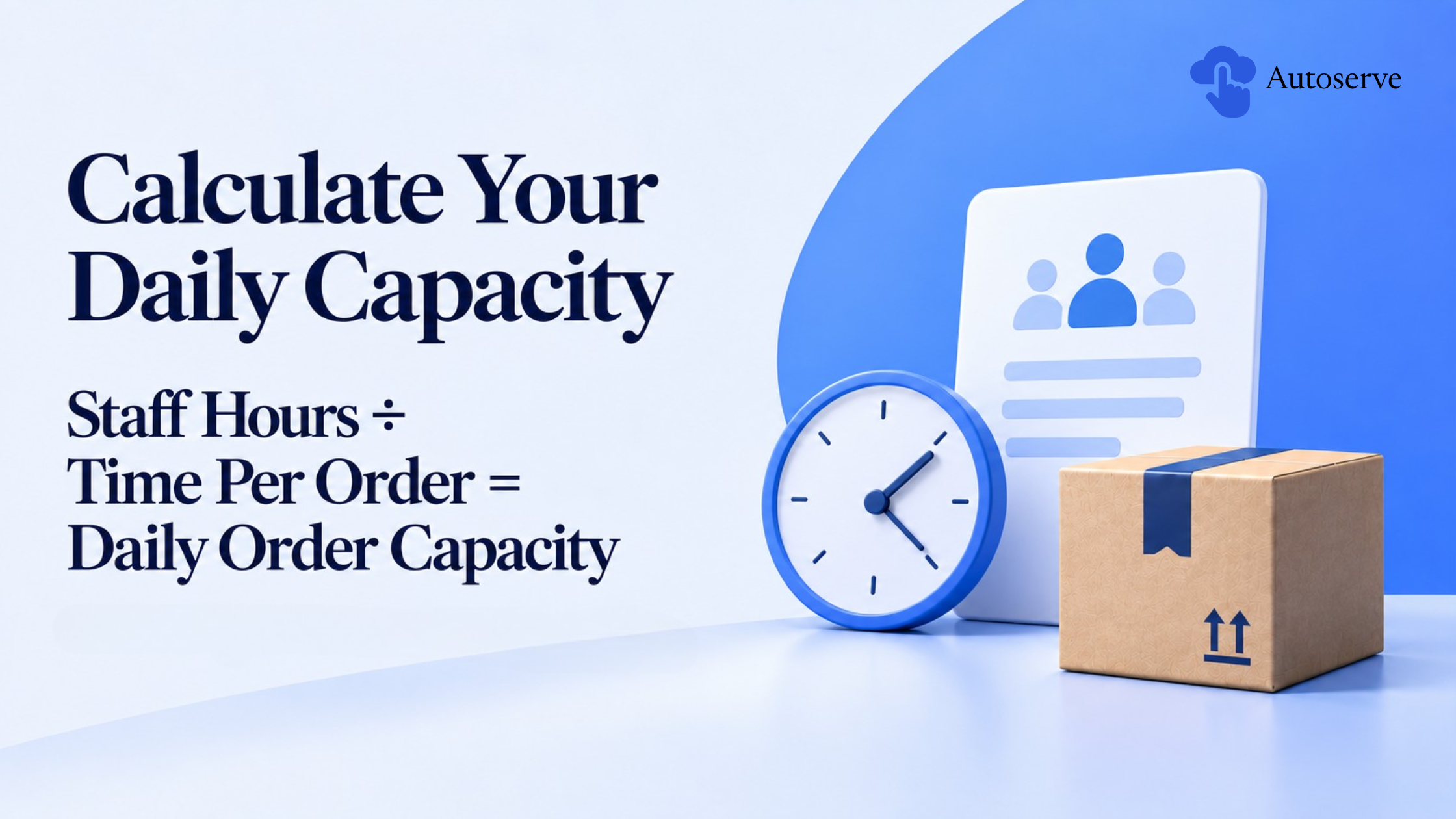
The baseline formula: Total staff hours available ÷ average time per order = maximum orders per day.
Say a bakery has three decorators working 8-hour shifts, giving 24 labor hours. If each cake takes 90 minutes to decorate and box, that's 16 cakes for the day not 40, just because ingredients are in stock.
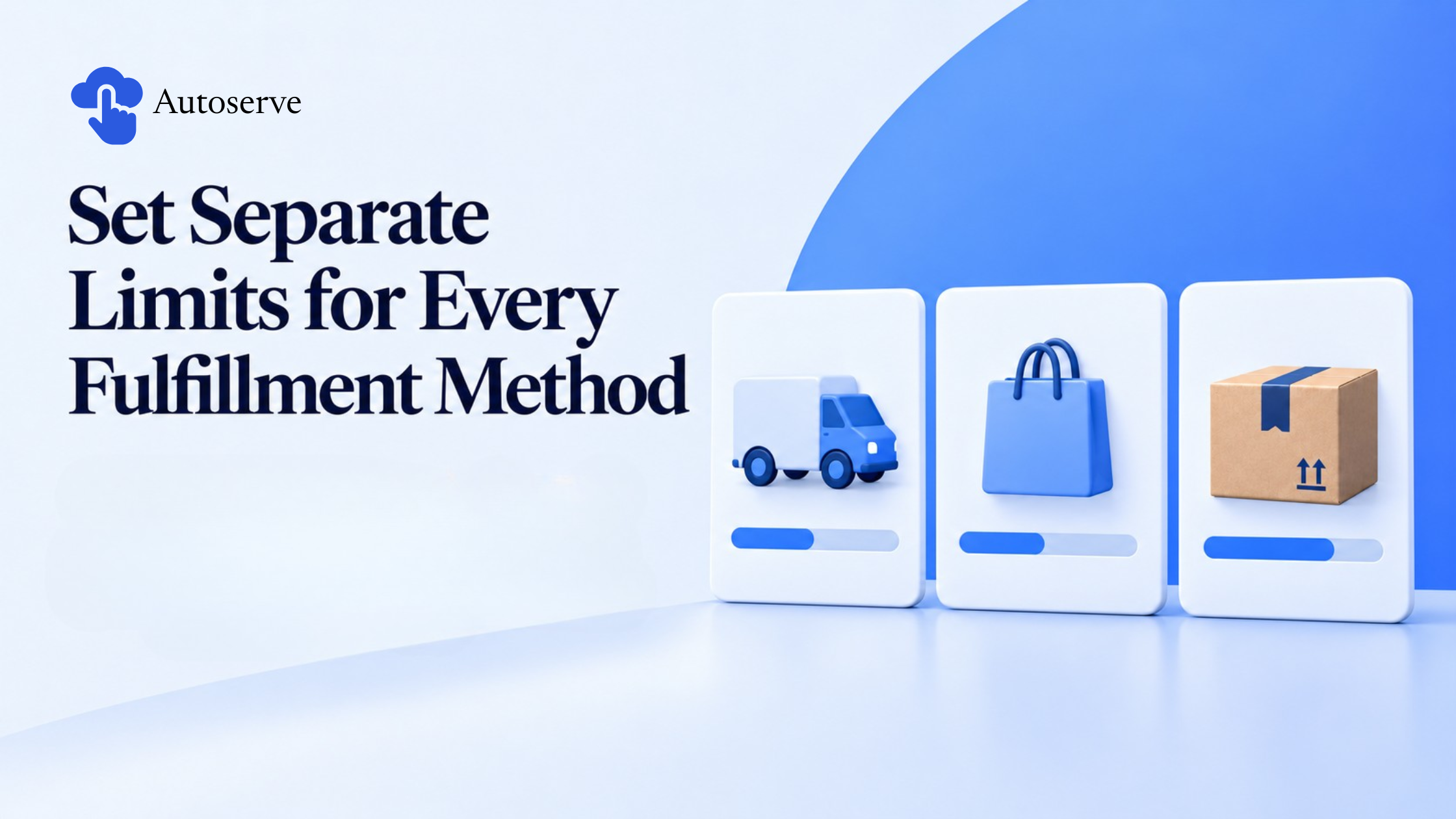
This number is your daily order cap, and it should be a hard limit inside Shopify, not an internal target. Run the calculation separately for local delivery, pickup, and shipping, since staffing and time-per-order differ across each.
Buffer Time for Custom or Made-to-Order Items
Build separate prep buffers by product complexity instead of one blanket cutoff for the whole catalog:
Build these buffers into checkout logic so customers can't select a same-day slot for a product that needs a full day of prep. This prevents rushed custom orders that never had enough lead time.
Cutoff Dates to Publish for Black Friday & Cyber Monday
A shipping cutoff is the last date a customer can order and still receive it by a guaranteed day. Publish it clearly on the product page and at checkout not buried in a policy page nobody reads.
Calculate cutoffs backward from the promised delivery date, using your real prep buffer plus carrier transit time, not a generic "5–7 business days" guess.
Carrier Collection Windows and Peak Surcharges
Every carrier has a carrier collection window the time they pick up packages and it often moves earlier during BFCM, alongside peak surcharge rates. Missing a collection window by 20 minutes can push delivery back a full day. Confirm updated pickup times ahead of BFCM, and build your packing deadline at least an hour before that window closes.
Factor surcharge rates into your Black Friday pricing ahead of time, too. Absorbing an unplanned peak surcharge across hundreds of orders can quietly eat the margin your discount was meant to protect.
Local delivery, pickup, and shipping draw on different resources and need separate caps. A driver can typically manage 8–10 delivery stops per hour; a pickup counter might handle 15 per hour. Treating all three as one pool lets customers keep booking a slot that's already full elsewhere.
This is where most guides stop short enforcing capacity automatically, before checkout, not manually after the fact.
Order Caps Per Day and Per Time Slot
Cap orders per slot, not just per day. Set concrete limits — say, 10 local deliveries or 15 pickups per hour matched to what your team can really do. Once a slot fills, it should close automatically, the way a sold-out flight stops selling seats.
Blackout Dates Set Before Traffic Hits
Blackout dates are days you can't fulfill anything closed, fully staffed-out, or already booked solid. Lock these into your checkout calendar two to three weeks before BFCM, so customers see accurate options from day one instead of finding out after ordering.
Zip/Postal Filtering at Checkout
If local delivery only reaches 15 miles, checkout should never let a customer outside that radius select it. Zip/postal filtering blocks ineligible addresses before an order is placed, removing an entire category of complaints before they happen.
Manual spreadsheets work for a handful of orders. They fall apart once BFCM volume multiplies overnight — exactly when the stakes are highest.
One Daily View Instead of Five Spreadsheets
"How are we tracking for Saturday?" should take one glance to answer, not a hunt across five tabs and a group chat. Apps built for capacity protection, such as Calla, apply caps, cutoffs, and blackout dates automatically at checkout, so the rule enforces itself instead of relying on someone checking a spreadsheet mid-rush.
A BFCM discount is easy to offer. A delivery date, once promised, is much harder to take back. The merchants who build stronger loyalty aren't the ones with the deepest discounts, they're the ones whose Saturday deliveries actually showed up on Saturday.
Set up your caps, cutoffs, and blackout dates before the traffic hits or let an automated tool like Calla apply the rules for you, so nothing slips through during your busiest week of the year.
Track WISMO ticket volume by date and product in real time, and treat a sudden spike as a signal to close an overbooked slot immediately, not just a support queue to staff up.
You can track Inventory Insight on your dashboard in real time to avoid overselling and reduce manual order management.
The app like Calla enforces order caps, blackout dates, and zip-based delivery rules automatically at checkout, replacing manual spreadsheet tracking with one always-current view.
We try to make easy and simple for every professionals. Get 30 days free trial - No credit card required.

