🎉 Calla - Delivery & Pickup Date is available now on Shopify app store

Shopify app store


It is Tuesday night. A customer just placed an order for fresh floral arrangements scheduled for pickup on Christmas Day. Your store is closed. You have no system in place to block that date. Now you have an angry customer, a wasted arrangement, and a support ticket you never needed.
If you run a Shopify store that sells time sensitive products flowers, food, custom gifts, local pickups, or scheduled deliveries. This scenario is not hypothetical. It happens every single day to store owners who have not yet setup blackout dates.
The good news? Fixing it takesless than ten minutes. This guide walks you through exactly how to set blackout dates on your Shopify store, which apps make it easy, and the costly mistakes to avoid along the way.
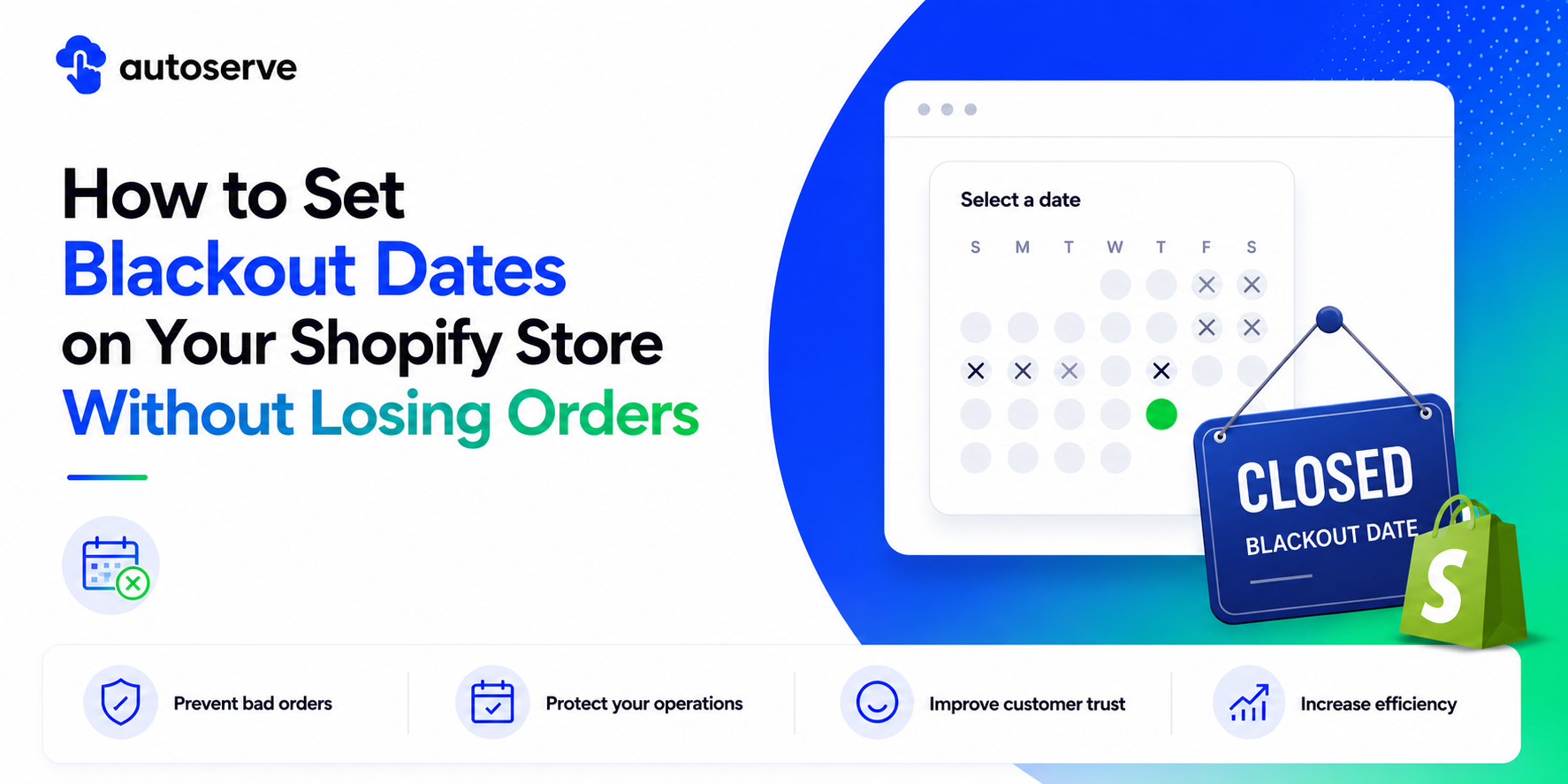
Blackout dates are specific days orranges of days when your Shopify store blocks customers from selecting a pickup, delivery. Think of them as the digital equivalent of a "Closed" sign on your front door, except they work automatically at checkout.
Unlike simply turning your store offline, blackout dates let you keep selling while blocking only the dates you cannot fulfill. That distinction is critical. You stay open for future orders. You just protect the dates you cannot service.
According to a 2023 survey by Shopify Partners, over 68% of cart abandonment incidents tied to scheduling involve customers encountering unavailable or confusing date options at checkout. Blackout dates directly solve that friction point.
For store owners managing local delivery, in store pickup, blackout dates are not optional. They are an operational safeguard.
.png)
Every fulfilled order costs you time, labor, and resources. A bad order one placed on a date you cannot service, costs you twice. First, you spend time handling the issue. Second, you risk losing the customer entirely.
Blackout dates create a hard barrier at checkout. When a customer reaches the date picker, closed dates are grayed out or completely removed. They literally cannot select a date you cannot fulfill. This eliminates the problem at the source rather than managing it after the fact.
The downstream benefits are significant. Fewer support tickets. Fewer refund requests. Fewer reschedule ddeliveries. Fewer bad reviews. One Shopify merchant selling custom cakes reported a 40% drop in fulfillment complaints after implementing blackout datesfor public holidays.
Beyond customer service, blackout dates protect your team. When your staff knows that no orders will land on closure days, they can plan schedules, manage inventory, and coordinate logistics without fire fighting. That operational clarity is worth more than most store owners realize.
The psychological effect on customers matters too. A clean, honest date picker showing only available dates builds trust. It signals that your store is professionally run and that what customers see is accurate.
Not all fulfillment methods handle blackout dates the same way on Shopify. Understanding the difference helps you configure them correctly from the start.
Store pickup blackout dates block customers from choosing a pickup date and time when your location is closed.This applies to specific locations, meaning you can close one store branch on a date while another stays open.
Local delivery blackout datesprevent delivery scheduling on days your drivers are off or your delivery radius is unavailable. This is especially useful for food based businesses, florists, or same day delivery services that operate on variable schedules.
These three concepts are related but serve different purposes. Confusing them leads to incomplete configurations.
Blackout dates block an entire calendar day. Christmas Day. A store closure. A public holiday. The whole day is unavailable, regardless of time.
Cut off times define the last moment on any given day when an order can be placed for that day's fulfillment. If your cut off is 12:00 PM, an order placed at 1:00 PM gets bumped to the next available date automatically.
Unavailable delivery slots are specific time windows say, 2:00 PM to 4:00 PM that have been fully booked orare restricted for operational reasons. The day remains open, but that slot is gone.
Shopify does not offer native blackout date management for pickup out of the box. You need a pickup and delivery app to handle this.
Each app handles the configuration differently, but the underlying logic is the same: you select the dates, assign them to a location or fulfillment method, save, and those dates are immediately blocked in the checkout date picker.
Below is a step by stepguide using CX Elevate, which offers one of the most intuitive blackout date interfaces currently available for Shopify pickup management.
CX Elevate refers to blackout dates as "Closed Dates" within its pickup configuration panel. Here is how to add them:
1. Open Shopify Admin.
2. Go to Apps.
3. Open CX Elevate:Date Time Picker.
4. Choose the relevant pickup or delivery schedule.
5. Select the location if your store has multiple locations.
6. Find BlackoutDates or unavailable date settings.
7. Choose a single dateor date range.
8. Apply the rule to pickup, local delivery, or both.
9. Save the setting.
10. Test the storefront date picker.
After saving, it is good practice to open your storefront in a private browser window and test the date picker yourself. Confirm the blocked date is grayed out and cannot be selected by acustomer.
Holidays are the number one reason Shopify store owners set up blackout dates in the first place. But holiday management is not just about blocking Christmas Day. It involves planning ahead, communicating clearly to customers, and setting up dates before the holiday rush begins not during it.
The stores that handle holiday closures best treat blackout date management as a quarterly task, not a reactive fire drill. They review their calendar at the start of each quarter, add any upcoming closures, and forget about it. Their checkout handles the rest automatically.
Planned holidays are easy. The hard part is unexpected closures: a burst pipe, a staff illness, a sudden supplier issue, or a weather event that shuts your operation with no notice.
The right approach here is speed, not perfection. Log into your Shopify admin from your phone, open your delivery app, add today's or tomorrow's date as a blackout date, and save. It takes under two minutes. Every order that was going to land on that date is automatically prevented from completing with that date selected.
However, speed matters for orders already placed. If a customer has already selected the now closed date, your blackout date does not retro actively change their order. You will still need to reach out to those customers manually. This is why adding blackout dates asearly as possible ideally before business opens for the day limits damage significantly.
A good rule of thumb: if you know about a closure 48 hours in advance, add the blackout date immediately. Do not wait until the morning of. New orders will keep coming in until that date is blocked.
The financial and operational cost of not using blackout dates is rarely calculated but it is real. Consider a mid size Shopify store processing 200 orders per week. Without blackout dates, a single public holiday can generate 15 to 30 misplaced orders. Each one requires a support interaction, a possible refund or reschedule, and staff time.
With blackout dates enabled, those 15 to 30 orders either do not happen or get automatically pushed to the next available date. Zero support tickets from those orders. Zero refunds. Zero angry emails.
Industry data from Gorgias, a Shopify focused customer support platform, shows that order relate dissues including wrong dates, missed pickups, and failed deliveries account for up to 35% of all eCommerce support tickets. Blackout dates, cut off times, and delivery slot management together address a large portion of thatcategory.
The ROI math is simple. If your support team spends 15 minutes resolving each misrouted order and you prevent 30 of them per month, that is 7.5 hours of support labor saved monthly. At an average support cost, that adds up to hundreds of dollars in recovered time every month not counting the customer satisfaction improvement.
Most blackout date problems are not caused by complicated bugs. They come from small, avoidable configuration errors. Knowing what to watch for before you start saves you from discovering them after a bad order lands.
Most articles about blackout dates stop at "here is how to click the button." But there are three less discussed realities that experienced Shopify operators understand and that make the difference between a configuration that mostly works and one that truly protects your operations.
When customers see a date pickerthat shows only genuinely available dates, they trust your store more. There is a psychological effect at work: a greyed out holiday tells the customer "this store is honest about its availability." Stores that show all dates and then cancel orders later communicate the opposite. Your blackout date setup is part of your brand experience.
Many store owners waste hours looking for a blackout date setting inside Shopify's core admin. It does not exist in the way they expect. Shopify's native delivery and pickup settings are limited to basic hours. Any meaningful blackout date management especially for date pickers, ranges, and multi-location control requires a third party app. Accept this early and install the right tool before you need it.
Holiday calendars shift. Business hours change. New locations open. Staff schedules evolve. A blackout date configuration that was correct in January may be dangerously wrong by October. Treat blackout date management like your inventory: review and update it on a regular schedule. Build it into your operations calendar, not just your initial setup.
No. Blackout dates configured through a pickup or delivery app apply to your Shopify Online Store checkout only. If you also sell through other channels such as Shopify POS, a third party marketplace, or a custom app those channels manage their own availability settings independently.
Yes. let you configure blackout dates separately for each fulfillment method store pickup, local delivery without affecting pickup availability on the same day.
Use blackout dates when the whole day is unavailable. Use order limits when the day is open but your team can only handle a certain number of orders.
Setting up blackout dates on your Shopify store is one of those changes that feels small but delivers outsized results. It takes ten minutes to configure. It saves hours of support work. It protects your reputation. And it gives your customers a checkout experience that is honest, clean, and trust worthy.
Need a cleaner way to manage delivery dates, pickup dates, blackout dates, cut off times, and order capacity on Shopify? Try CX Elevate: Date Time Picker and set up your delivery rules before your next high volume day.
We try to make easy and simple for every professionals. Get 30 days free trial - No credit card required.

