🎉 Calla - Delivery & Pickup Date is available now on Shopify app store

Shopify app store


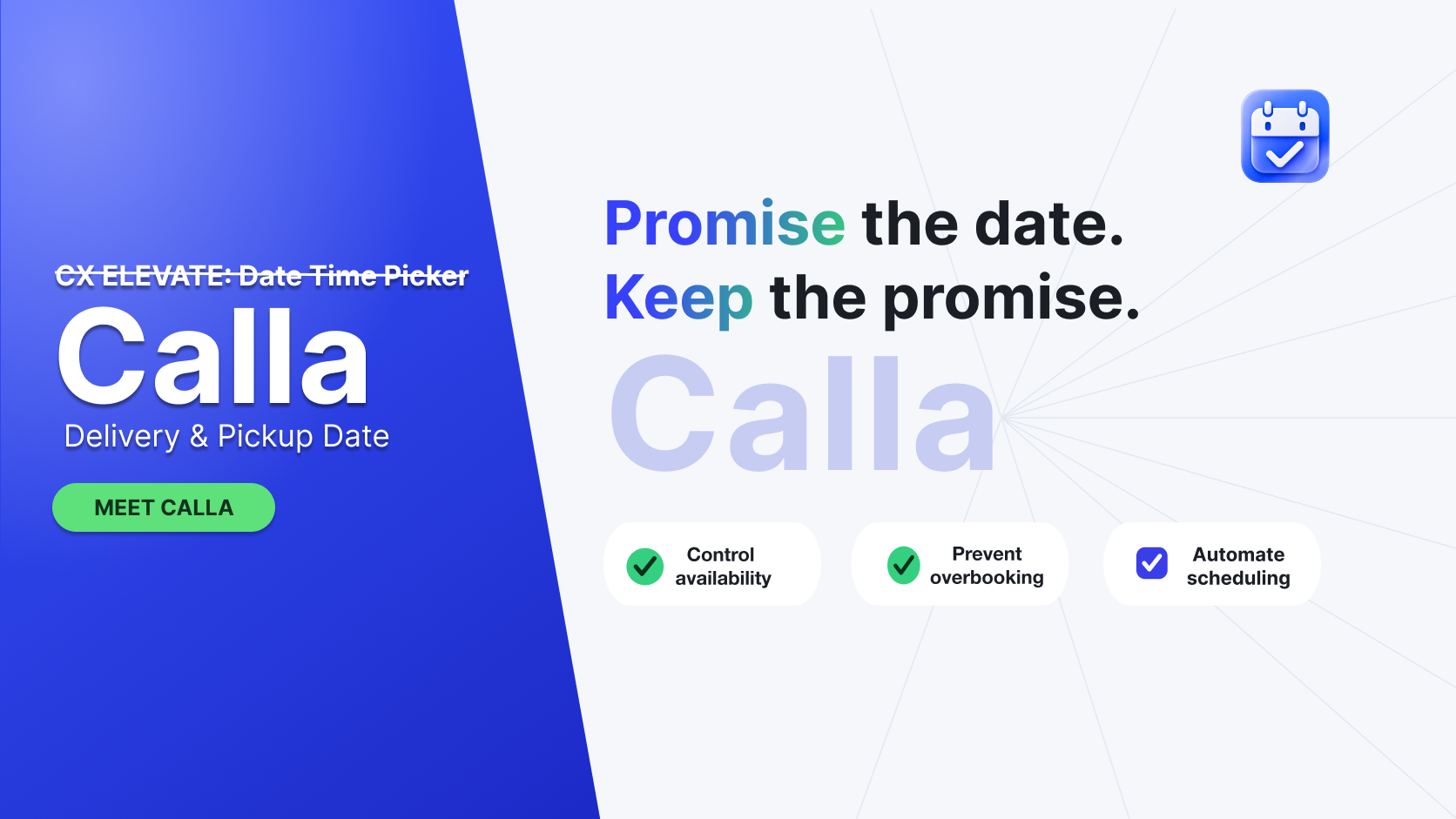
CX Elevate: Date Time Picker is now Calla - Delivery & Pickup Date. Same app, same settings, on August 1, 2026.
If you've logged in and can't find CX Elevate: Date Time Picker, don't worry, it didn't disappear. It just got a new name that finally says what it actually does.
"Date picker" describes a field on a webpage - pick a day, move on. Lots of free tools do that.
But that was never really your problem. Your problem is what happens after the date is picked: canceling out of zone orders by hand, chasing customers for a missing delivery date, watching Saturday fill up while Tuesday sits empty.
That's not a checkout problem, it's a fulfillment problem. Calla protects your prep time, so a promised date stays a promised date.
Four new features shipped alongside the Calla name, each one built to close the gap between the order a customer places and the order you can actually keep.
1. Zip and postal code check before checkout. Customers enter their zip or postal code before they can choose a date. If you don’t deliver there, they never reach checkout, so an out of zone order becomes a non-event instead of a cancellation and refund conversation. No apology email, no rerouting.
2. Local delivery as its own option. Delivery and pickup now have a sibling. Local Delivery appears on its own, in the product page, cart, and drawer, with its own rules and zones separate from your courier or shipping rates. For a bakery running a Saturday route across town, this closes a gap that was always missing.
3. Custom names for your fulfillment fields. “Delivery Date” reads fine for a warehouse, but it feels wrong on a wedding cake order form. Rename any method or field to match how you already talk to customers, such as “Wedding Date,” “Event Date,” or “Pickup Day.”
Everything you've already set up carries over unchanged. Calla continues to give you:
Lead times and cutoff times to protect your prep windows
Blackout and disabled dates, for days you're closed or fully booked
Order and time slot capacity limits to prevent overbooking.
Promotions to help drive demand on slower days.
Surcharges to manage high demand days.
Log in to your Shopify admin and look for Calla - Delivery & Pickup Date where CX Elevate: Date Time Picker used to sit. Everything you configured before is already there.
1. Turn on zip check and Local Delivery
These save you the most time right away. They stop out of zone orders before checkout and give local delivery its own rules.
2. Set your first cutoff, blackout date, and order cap
If you haven't configured these yet, start here. One cutoff, one blackout date, and one order cap on your busiest day is enough to see the difference immediately.
I started this to fix one frustration I kept hearing from made to order shops: the software could take an order, but it couldn't protect the promise behind it. That gap between “sold” and “delivered on the day we said” is where good shops lose sleep, and lose customers.
Calla - Delivery & Pickup Date is my attempt to close that gap. Renaming the app is a small thing; building it around the promise you make to every customer is the real work and we're just getting started.
— Huy · Founder, Calla (formerly CX Elevate)
No. The app updates its name automatically in your Shopify admin, and there is no newlisting to find or reinstall.
Yes. You control the customer-facing field name yourself, so you can keep the wording you already use or rename it.
Reach out directly via support chat. Founder Huy reads merchant requests directly, and that feedback shapes what gets built next.
We try to make easy and simple for every professionals. Get 30 days free trial - No credit card required.

