🎉 Calla - Delivery & Pickup Date is available now on Shopify app store

Shopify app store


You are at a trade-show booth. A buyer wants 40 cases at wholesale price, on Net 30 terms, with a PO number. Your card reader is in your hand. Your POS screen shows retail prices.
That moment is why you searched for this phrase. You want to know whether the tool you already pay for can take a wholesale order without a mess. You also fear a wrong price, a missing PO, or an invoice nobody pays.
Here is the short truth. Shopify POS is built for retail counters. Shopify B2B is built for company accounts. They overlap, but they do not fully merge. This guide shows where they meet and how to build a workflow that works.
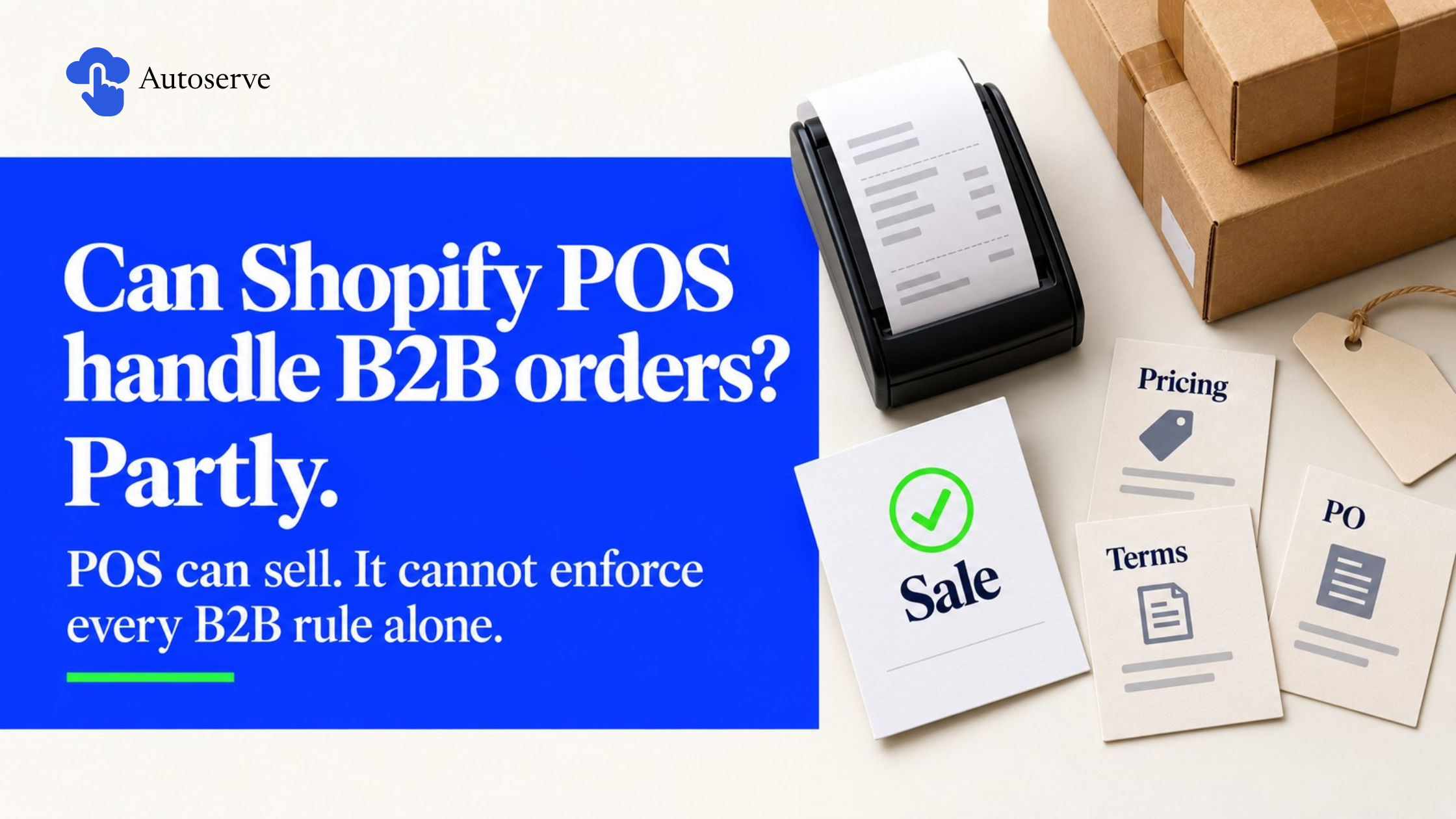
Partly. Shopify POS can sell to business buyers, but it does not enforce every B2B rule on its own. The gap between "can sell" and "can enforce" is where most merchants get burned.
Shopify B2B is a set of features for selling to other businesses through the admin and online store, and it is available on all plans. It covers company accounts, catalogs, quantity rules, and payment terms. POS is a separate sales channel with its own checkout.
So the real question is not "POS or B2B?" It is "where does each rule get enforced?" Prices, minimums, and terms live in B2B. Card taps and counter speed live in POS. Your job is to connect them on purpose.
POS handles the basics well. Staff can attach a customer, scan items, check stock by location, take payment, and print a receipt. That covers cash-and-carry wholesale buyers who take goods home.
The limit is pricing. One merchant on the Shopify Community reported that POS won't pull pricing from B2B customer catalogs. That is a user report, not official documentation, but the app market matches it. One POS app requires an active Shopify Plus store to apply catalog pricing by customer and location.
Another app warns that orders created are recorded as standard B2C orders, and volume pricing and quantity rules are not currently supported. Read that twice. A correct price does not mean a correct B2B record. Treat POS as fast checkout, not a rules engine, and test it in your own store.
These five tools get mixed up constantly. Each does a different job.
Draft orders deserve attention. Shopify lets you lock prices and reserve inventory on any draft order. You can also require B2B orders to arrive as drafts by company location, so you can review before confirming.
Which businesses should use POS for wholesale? Choose POS if buyers pay and pick up on the spot, and you use one flat discount. Choose drafts and online B2B if buyers need terms, POs, per-buyer prices, or shipping.
Setup is a chain. Build company data first, then pricing, then rules, then payment, then devices. If you start with hardware, you will rebuild later.
A small store can finish a working core in an afternoon: one company, one catalog, one payment term, and one test order. Then add depth as volume grows. Keep a checklist as you go. It becomes your staff training guide.
You need less than most guides claim. B2B works on every plan, so you can start without Plus.
Differences show up in limits. On Basic, Grow, and Advanced plans, you can assign up to 3 active catalogs across all B2B markets. Plus allows unlimited catalogs and direct assignment to company locations. Also, customer-specific deposits and partial payments are available only on Plus.
For staff, you can restrict each person to only the company records assigned to them, though some permission levels are limited off Plus. Give cashiers the smallest access they need. A cashier does not need to edit price lists. Count your catalogs before buying anything. If three is enough, stay off Plus for now.
Start with the company, then add a location. The location matters most. It holds the address, tax setting, catalog, and payment terms. A chain with five stores should have five locations.
Add contacts with roles. Location admins can place reorders and submit returns. Use clear names, such as "Blue Ridge Grocers – Main St." Clean names speed up counter lookup. Existing wholesale customers can be migrated with their order history, so do not retype them.
Then build catalogs. Apply an overall percentage, then override single products. For example, a -20% adjustment turns a $10 candle into $8, while a fixed $9 price on one product is unaffected. Note that if several catalogs price one product, the lowest price displays.
Add quantity rules for minimums, maximums, and increments. If a case holds 12 units, set the increment to 12. These rules work online and in the admin. Verify them at the register with a test order.
Wholesale buyers often buy tax-free for resale. Set tax exemptions at the company level so the setting follows the buyer. Keep the resale certificate on file and note its expiry in a company metafield.
Choose terms per location. Options include Net 7, 15, 30, 45, 60, 90, or due on fulfillment. Percentage deposits are Plus-only. On other plans, invoice the deposit from a draft order and record it manually. For "pay on pickup," use due on fulfillment, collect at the counter, and mark it paid. Source
Configure hardware last. Assign staff to the right location. Teach one habit: attach the customer first, then scan items. Add your tax ID and return policy to receipts. Then post one rule at the register: if an order needs terms, a PO, or a custom price, switch to a draft order.
In a draft order, select the company location. Terms and tax fill in from that location. Then add the PO number. PO numbers can be added to orders or draft orders from the admin. Buyers' accountants match invoices to POs, so a missing number can delay payment by weeks. Source
Next, send the invoice. Invoice from draft lets you send a payment link for draft orders. For net terms, the invoice is a promise, not a payment. Use Shopify Flow to send reminders on the due date. Source
For fulfillment, ship what you have and complete the rest later. The reservation prevents overselling. For returns, write your policy down: who pays freight, how long buyers have, and whether you give credit or a refund. Log every credit in the order timeline. Fast, fair credits win repeat orders.
Wholesale can quietly eat your margin and your stock. Retail and wholesale compete for the same shelf. Cases and single units get confused. Discount tiers drift below a safe margin unnoticed.
The fix is structure. Decide how you split inventory, name SKUs clearly, and test every tier against cost. These habits take an hour and can protect thousands in profit. Finally, remember that a wholesale order is not income until you collect it.
Pick one of three models. A shared pool is simple but risky, since one big order can empty your shelf. A location split creates a "Wholesale" location with its own stock, giving clean reports. Reserve by draft keeps a shared pool but holds stock on each quote.
Most small merchants do best with the location split. Set low-stock alerts for both pools, and decide in advance whether wholesale can borrow from retail.
For case packs, use one product with variants such as "Single," "Case of 12," and "Case of 24." Give each variant its own SKU and barcode. Pair this with increment rules so buyers cannot order half a case. Use readable SKUs like "TEA-GRN-12." Renaming after thousands of orders is painful.
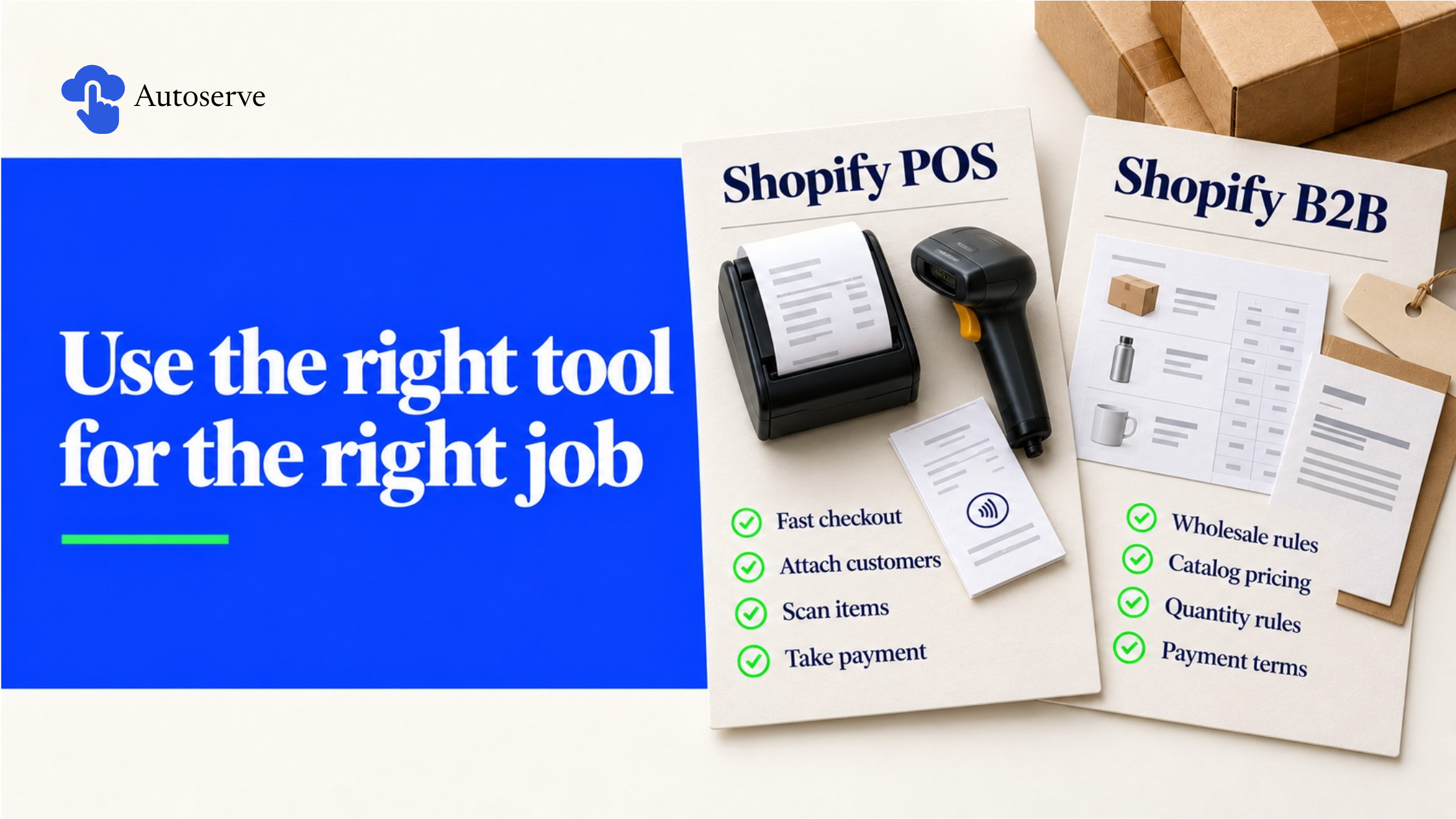
Most guides pick a side. Some push native tools and others push apps. The honest answer depends on your size and your pain.
Think of a ladder. Start with native B2B and draft orders. Add an app only when the same problem repeats. Add ERP integration when manual entry costs real hours. This protects your budget and avoids a common trap: paying monthly for a problem that a small process change would solve.
POS bridge apps add B2B pricing at the counter. Two listings show the range. One applies catalog pricing by detecting the customer and their locations, and requires Plus. Another costs $40 per month and works with native Plus catalogs but lacks volume pricing and quantity rules. Fees and features change, so check each listing. Notice both target Plus. That hints that counter catalog pricing is not solved for smaller plans.
Do you need a portal? Shopify already offers a basic one. B2B customers log in with customer accounts to see their catalogs and pricing, and they can duplicate past orders for easy reorders. Build more only if staff spend over an hour a week typing repeat orders. POS is enough for walk-in and event-based wholesale with a few dozen known buyers. Source
Shopify supports integrations by design. B2B APIs let you connect ERP or other systems to your store. Common goals are syncing inventory and pushing invoices to accounting. Clean your data first. Duplicate companies and messy SKUs break any sync.
As a rough guide, these thresholds are my own rules of thumb, not Shopify rules. Under 20 wholesale orders a month, stay manual. Between 20 and 100, add accounting sync and Flow. Above 100, or with many warehouses, consider ERP.
Theory is easy. Daily routines prove a setup. The three patterns below are illustrative workflows, not named customer case studies, so test each one before you copy it. They share one idea: use the fast tool for fast jobs and the careful tool for careful jobs.
Trade-show orders for distributors. Staff create a draft order on a tablet. They pick the company, lock prices, reserve stock, and add the PO. A buyer on Net 30 gets an emailed invoice. A buyer paying today gets a card link. POS handles only small walk-up cash sales. Back at the office, the team fulfills clean records instead of scribbled notes.
Retail and wholesale from one store. With Markets, you can create a market for all your B2B companies to offer a custom experience different from D2C customers. Give it its own catalog and a wholesale stock location. Retail staff sell as normal at POS. For wholesale walk-ins, they follow the terms-or-PO rule. Source
Recurring orders for repeat buyers. Buyers duplicate past orders from their account. Pair this with a saved card at the company location, or with fixed terms. Turn on submit-as-draft if you want a review before confirming. Use Flow to tag repeat orders and flag buyers who skip a usual reorder.
A good setup can still fail on launch day, usually because of habits, not settings. Roll out in three stages: test, train, then go live with two or three friendly buyers. Review after week one and fix the top two issues. Keep your old process as a fallback for two weeks. A slow launch with correct prices builds trust. A fast launch with wrong invoices destroys it.
Run at least six test orders using a fake test company:
Check price, tax, terms, inventory, and company record each time. Write down what fails at POS and route those orders to drafts.
To migrate, clean your customer export, build companies and locations, and move order history. Rebuild price lists as catalogs, remembering the three-catalog limit off Plus. Email buyers first with login steps and a help number.
We try to make easy and simple for every professionals. Get 30 days free trial - No credit card required.

